Sending confidential documents requires more than hitting "send." From contracts and financial records to medical information and legal files, sensitive documents demand proper security. This guide covers how to share confidential documents while minimizing risk.
What Makes Documents Confidential?
Confidential documents include:
- Personal information – Social Security numbers, IDs, addresses
- Financial documents – Tax returns, bank statements, contracts
- Medical records – Health information, prescriptions, test results
- Legal documents – Contracts, litigation materials, patents
- Business secrets – Strategies, formulas, customer lists
- Employee data – HR records, performance reviews, salaries
Risks of Insecure Document Sharing
Email Risks
- Email travels through multiple servers
- Often stored unencrypted on servers
- Easy to forward accidentally
- Vulnerable to account compromise
- Stays in recipient's inbox indefinitely
Consumer File Sharing Risks
- Many services don't use end-to-end encryption
- Provider can access your documents
- Links may be discoverable or guessable
- No access controls or expiration
Secure Document Sharing Framework
Step 1: Classify the Document
Before sharing, assess sensitivity:
| Level | Examples | Required Protection |
|---|---|---|
| Standard | General business docs | Basic secure platform |
| Confidential | Financial, HR docs | Password + encryption |
| Highly Sensitive | Medical, legal, PII | All protections + tracking |
Step 2: Choose the Right Platform
Use a platform with:
- end-to-end encryption (not just server-side)
- password-protected sharing
- link expiration
- download tracking
- No account required for recipients (sharing without account)
GetShared provides all these features on free accounts.
Step 3: Apply Appropriate Security
For confidential documents:
- Password protect – Add a strong, unique password
- Set expiration – 24-48 hours for highly sensitive, 7-14 days for standard confidential
- Limit downloads – Match to number of intended recipients
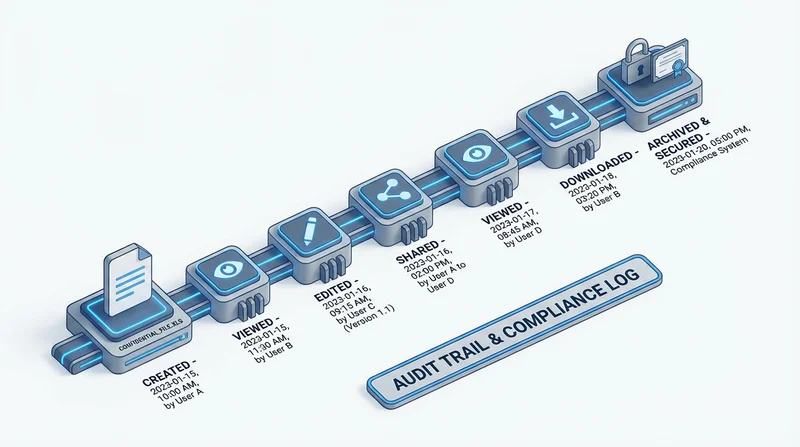
- Enable tracking – Know when documents are accessed
Step 4: Deliver Securely
Two-channel delivery:
- Send document link via email
- Send password via different channel (SMS, phone call)
This prevents single-point compromise – intercepting email alone isn't enough.
Step 5: Verify and Follow Up
- Use download tracking to confirm receipt
- Follow up if not downloaded within expected time
- Document the share for your records
Special Considerations by Document Type
Financial Documents
- Always password protect
- Short expiration (purpose usually time-limited)
- Consider regulatory requirements
- Document access for audit purposes
Medical Records
See HIPAA compliance for healthcare-specific requirements:
- Encryption required for electronic PHI
- Business Associate Agreement may be needed
- Patient authorization considerations
- Audit trail requirements
Legal Documents
- Attorney-client privilege considerations
- Court filing requirements may apply
- Long-term retention may be needed
- See our guide for legal professionals
Employee Data
- HR records are confidential by default
- Need-to-know basis only
- GDPR compliance applies to EU employees
- Retention limits apply
Common Mistakes to Avoid
- Email attachment – Use secure file sharing instead
- Same password for all shares – Use unique passwords
- Permanent links – Always set expiration
- No tracking – Enable download notifications
- Password in same email – Use separate channel
- No verification – Confirm recipient identity
For Business Use
Organizations should:
- Establish document classification policy
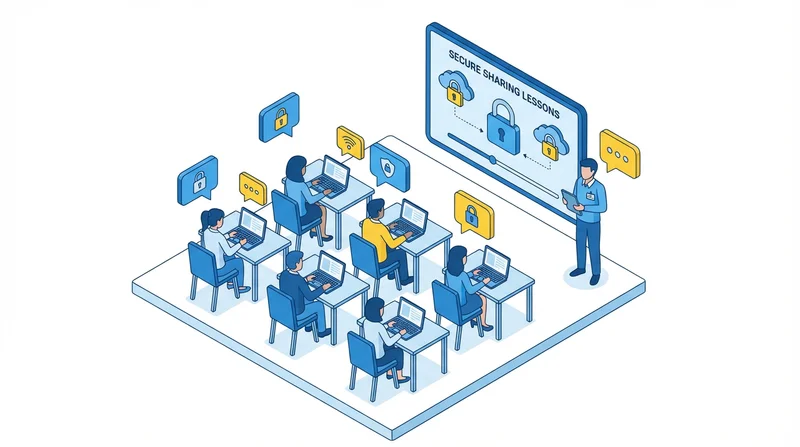
- Train employees on secure sharing
- Provide approved sharing platform (GetShared)
- Audit sharing practices regularly
- Implement security best practices
Conclusion
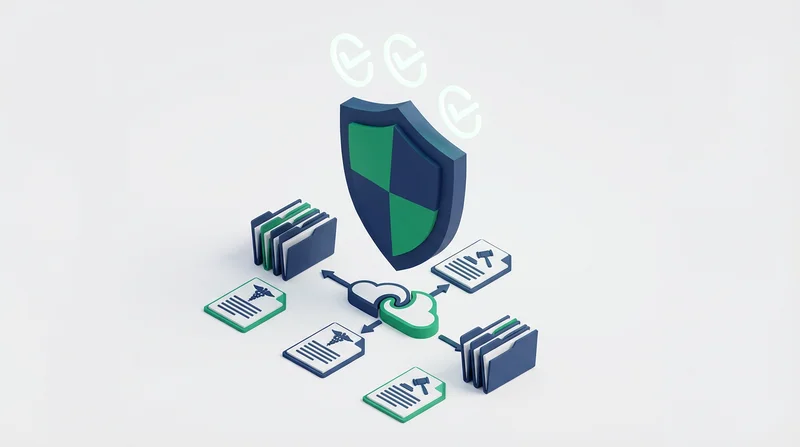
Confidential document sharing requires intention and proper tools. GetShared's end-to-end encryption, password-protected sharing, and link expiration provide the foundation – combined with proper practices, your sensitive documents stay protected.
sign up for GetShared and share confidential documents with confidence.