One of the biggest frustrations in file sharing: forcing recipients to create accounts just to download a file. GetShared eliminates this friction – anyone can download your shared files without signing up. Here's how it works and why it matters.
The Problem with Account Requirements
Many file sharing services require recipients to:
- Create an account
- Verify email
- Agree to terms
- Download apps
- Remember yet another password
This creates friction that:
- Delays file delivery
- Frustrates recipients
- Reduces professionalism
- Creates support burden
- May prevent access entirely
How GetShared Works for Recipients
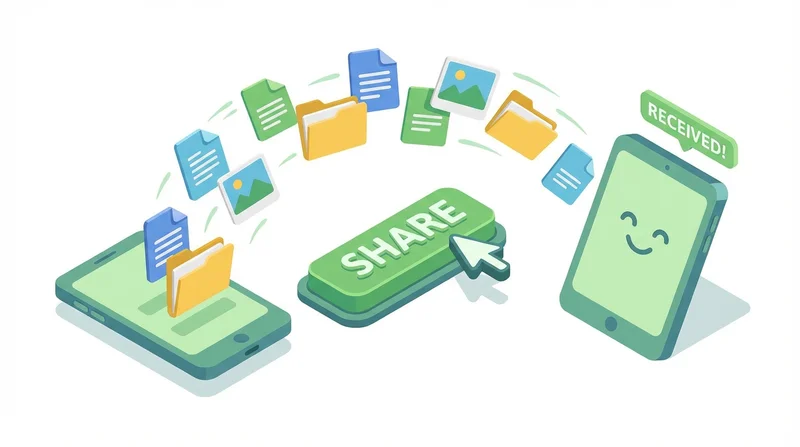
The Recipient Experience
- Receives link via email, message, etc.
- Clicks link
- Enters password if required
- Downloads file immediately
No account. No app. No friction.
What Recipients See
When someone receives your GetShared link:
- Clean, professional download page
- File name and size displayed
- Optional custom branding (your logo/colors)
- One-click download button
- Preview for supported formats
Security Without Accounts
No account doesn't mean no security. You still control:
- Password protection – Recipients need password (password-protected sharing)
- Link expiration – Access limited by time (link expiration)
- Download limits – Restrict number of downloads
- Encryption – Files protected end-to-end (end-to-end encryption)
Tracking Without Accounts
Even without recipient accounts, download tracking captures:
- Download timestamps
- Geographic location (approximate)
- Device/browser information
- Download completion status
Use Cases
Client Deliverables
Clients shouldn't need accounts to receive work they paid for:
- Complete project
- Upload to GetShared
- Create password-protected link
- Send link to client
- Client downloads immediately
Vendor Communication
Sending specs or materials to vendors:
- No need for vendors to manage another account
- Simple link sharing via email
- Track when they download
- Expire link when project complete
Family Sharing
Sharing with less tech-savvy family:
- No app downloads required
- Works on any device
- Simple enough for anyone
- Original quality preserved (video sharing guide)
Job Applications
Sending portfolio or work samples:
- Recruiters won't create accounts
- Professional presentation
- Track when they view
- Update files without changing link
When Accounts Make Sense
Some scenarios benefit from recipient accounts:
- Team collaboration – Use team collaboration features
- Two-way sharing – Recipients need to upload
- Ongoing access – Regular, long-term sharing
GetShared supports both models – account-free sharing and collaborative team spaces.
How to Share Without Requiring Accounts
- sign up for GetShared (you need an account)
- Upload your files
- Create share link
- Configure security (password, expiration)
- Send link – recipients download instantly
It's that simple. Your recipients will thank you.