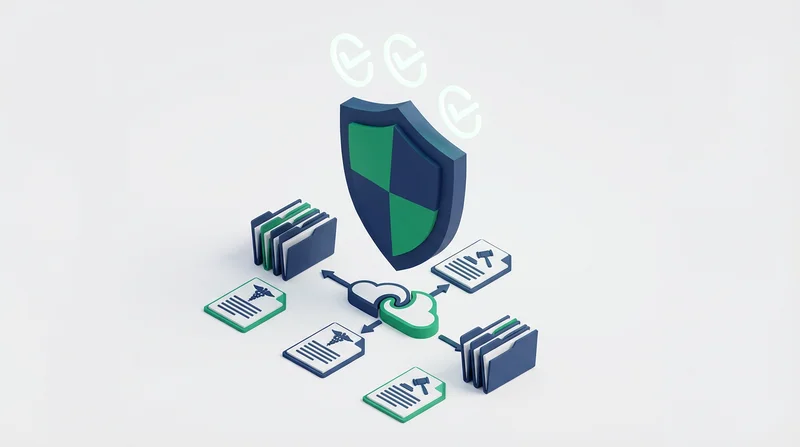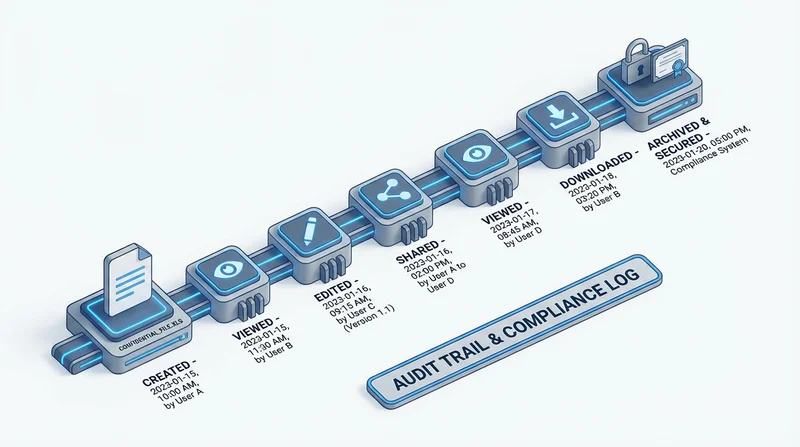
Audit trails create a complete record of who accessed what files and when. For compliance, security, and accountability, this visibility is essential. Understanding audit trails helps you meet requirements and investigate issues.
What Audit Trails Track
Access Events
- Who – User identity or IP address
- What – Which files were accessed
- When – Timestamp of access
- How – Download, preview, share action
- Where – Geographic location (IP-based)
Modification Events
- File uploads and deletions
- Permission changes
- Share link creation and revocation
- Settings modifications
Why Audit Trails Matter
Compliance Requirements
Many regulations require audit trails:
- HIPAA – Healthcare access logging
- SOX – Financial data audit requirements
- GDPR – Data access documentation
- Industry regulations – Various sector requirements
See our guides on HIPAA and GDPR compliance.
Security Investigation
When incidents occur, audit trails help:
- Identify what was accessed
- Determine scope of exposure
- Track unauthorized access
- Support forensic investigation
Accountability
- Know who shared what externally
- Track internal file access
- Document delivery confirmation
- Support dispute resolution
Operational Insights
- Understand usage patterns
- Identify frequently accessed files
- Optimize workflows based on data
Using Audit Data
Regular Reviews
Periodically review audit logs for:
- Unusual access patterns
- Access from unexpected locations
- Failed access attempts
- Excessive downloads
Incident Response
When investigating issues:
- Identify timeframe of concern
- Pull relevant audit records
- Analyze access patterns
- Document findings
Compliance Reporting
- Generate access reports for auditors
- Demonstrate security controls
- Document data handling practices
GetShared Audit Features
GetShared provides comprehensive tracking:
- Download tracking for all shared files
- Access timestamps and locations
- User activity logs
- Share link creation history
Best Practices
- Enable all available logging
- Review logs regularly
- Retain logs per compliance requirements
- Secure audit data from tampering
- Document your audit procedures
Conclusion
Audit trails are essential for:
- Meeting compliance requirements
- Investigating security incidents
- Maintaining accountability
- Understanding file usage
See also: security best practices, breach prevention.