When you share files, do you know who accessed them? Download tracking transforms file sharing from a one-way action into a complete communication loop. Learn how GetShared's analytics give you visibility into every shared file.
Why Download Tracking Matters
Without tracking, file sharing is sending messages into a void:
- Did the client receive the proposal?
- Has the contractor downloaded the specifications?
- Was the file shared beyond intended recipients?
- When was the document last accessed?
Download tracking answers these questions, enabling better communication and security.
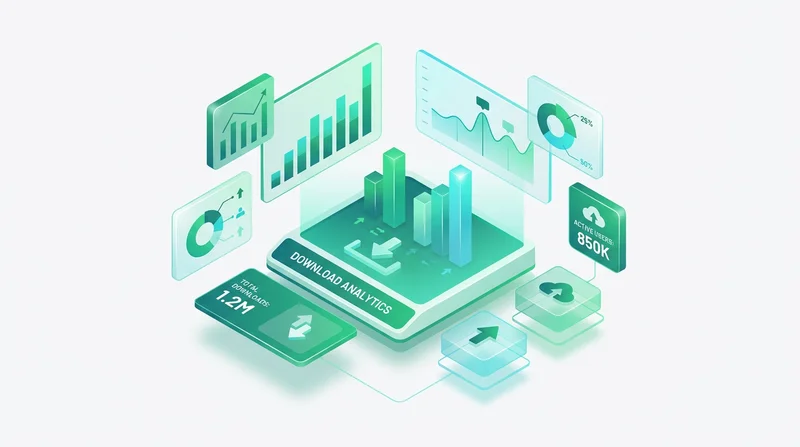
GetShared Download Analytics
What We Track
For each download, GetShared captures:
- Timestamp – Exact date and time
- IP Address – Approximate location
- Device Type – Desktop, mobile, tablet
- Browser – Chrome, Safari, Firefox, etc.
- Referrer – Where they found the link
- Download Duration – Transfer time
Viewing Download History
- Navigate to "My Shares" in your dashboard
- Click on any shared file or folder
- Select the "Analytics" tab
- View detailed download history
Practical Applications
Business Proposals
Track when prospects engage with your proposals:
- Follow up when they download
- Know if they've viewed multiple times (high interest)
- Understand if they're sharing internally
Client Deliverables
Confirm delivery and access:
- Verify clients received files
- Document delivery for billing purposes
- Track usage for licensing compliance
Security Monitoring
Detect unauthorized access:
- Unexpected geographic locations
- Downloads at unusual times
- Excessive download counts
For sensitive files, combine tracking with password-protected sharing and link expiration for maximum security.
Real-Time Notifications
Don't wait to check analytics – receive instant notifications:
- Enable "Download Notifications" when creating share
- Choose notification method (email, push)
- Receive alerts when files are downloaded
This is particularly useful for time-sensitive documents or high-priority clients.
Team Analytics
For GetShared Team accounts (team collaboration features):
- View downloads across all team shares
- Export analytics for reporting
- Set up automated reports
- Track team sharing patterns
Privacy Considerations
We balance analytics with privacy:
- IP addresses shown as approximate locations
- No tracking of file content access
- Analytics available only to share owner
- Compliant with GDPR compliance requirements
Download Tracking vs Competitors
| Feature | GetShared | Dropbox | WeTransfer |
|---|---|---|---|
| Download Count | ✓ Free | Business only | Pro only |
| Download Details | ✓ Free | Business only | No |
| Real-time Alerts | ✓ Free | No | Pro only |
| Export Analytics | ✓ Team | Business only | No |
See detailed comparisons in our Dropbox comparison and WeTransfer comparison articles.
Getting Started
Download tracking is automatic for all GetShared shares. Simply:
- sign up for GetShared (free)
- Upload and share files
- View analytics in your dashboard
Every shared file includes tracking – no premium plan required.