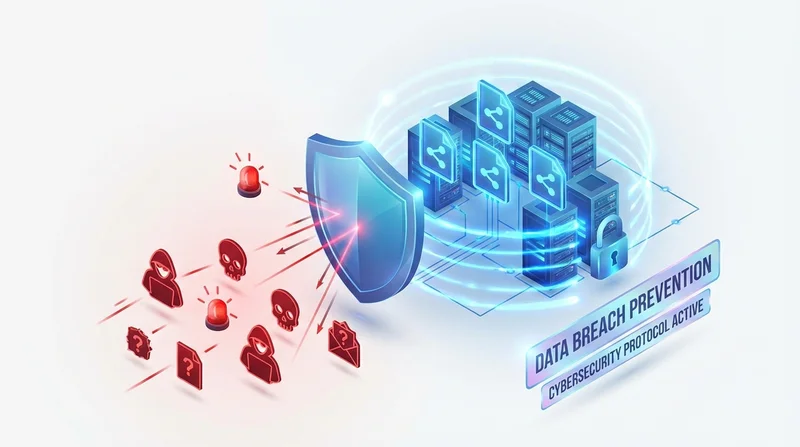
File sharing is essential for business, but it's also a common vector for data breaches. Improperly shared files, leaked links, and inadequate security controls have caused countless security incidents. This guide covers how to share files while minimizing breach risk.
Common File Sharing Breach Scenarios
Scenario 1: The Forwarded Link
You share a file with a colleague. They forward the link to someone else. That person shares it further. Soon, your "confidential" file is accessible to people who should never have seen it.
Scenario 2: The Forgotten Share
You share a folder for a project two years ago. The project ends, but the link remains active. Years later, someone finds the old link and accesses sensitive data.
Scenario 3: The Public Cloud Folder
An employee accidentally sets a folder to "public" instead of "specific people." Search engines index it. Sensitive company data becomes searchable on Google.
Scenario 4: The Credential Compromise
An employee's cloud storage password is weak or reused. Attackers gain access and download all their shared files.
Prevention Strategy 1: Access Controls
Use Password Protection
Always password-protect sensitive file shares. Even if a link is leaked, the password provides another barrier.
- Use strong, unique passwords for each share
- Send passwords through a different channel than the link
- Change passwords if breach is suspected
Set Expiration Dates
Links that expire automatically limit the window of exposure:
- Short-term projects: 7-14 days
- Ongoing collaboration: 30-90 days, review and renew
- One-time delivery: 24-48 hours
Limit Downloads
Set maximum download counts so links become inactive after expected usage.
Restrict by Email
When possible, restrict access to specific email addresses rather than using general links.
Prevention Strategy 2: Encryption
Encryption in Transit
Ensure files are encrypted during upload and download. Look for HTTPS/TLS in all sharing URLs.
Encryption at Rest
Files should be encrypted while stored on servers. GetShared uses AES-256 encryption at rest.
End-to-End Encryption
For maximum security, use services offering end-to-end encryption where only you and the recipient can decrypt files.
Prevention Strategy 3: Authentication
Strong Passwords
Enforce strong, unique passwords for file sharing accounts.
Two-Factor Authentication
Enable 2FA on all accounts. This prevents unauthorized access even if passwords are compromised.
Single Sign-On (SSO)
For organizations, SSO provides centralized authentication control.
Prevention Strategy 4: Monitoring and Auditing
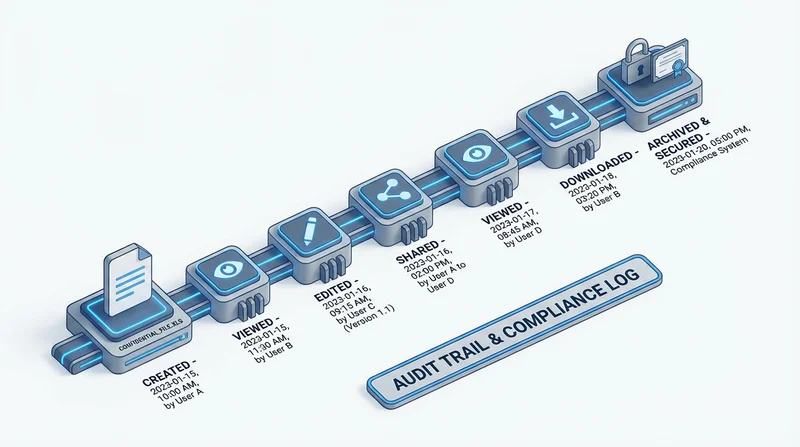
Track All Access
Use download tracking to monitor who accesses shared files.
- Review access logs regularly
- Investigate unexpected access patterns
- Set up alerts for suspicious activity
Audit Active Shares
Periodically review all active share links:
- Are they still needed?
- Are access controls appropriate?
- Who has accessed them?
User Activity Monitoring
For organizations, monitor employee file sharing activity:
- What's being shared externally
- Who's sharing
- Unusual volume or destinations
Prevention Strategy 5: Data Classification
Classify Your Data
Not all files need the same protection:
- Public – No restrictions needed
- Internal – Basic access controls
- Confidential – Password protection, expiration, tracking
- Highly confidential – All of the above plus restricted sharing
Apply Controls Based on Classification
Match security controls to data sensitivity. Don't apply maximum security to everything (impractical) or minimum to everything (risky).
Prevention Strategy 6: Training and Policies
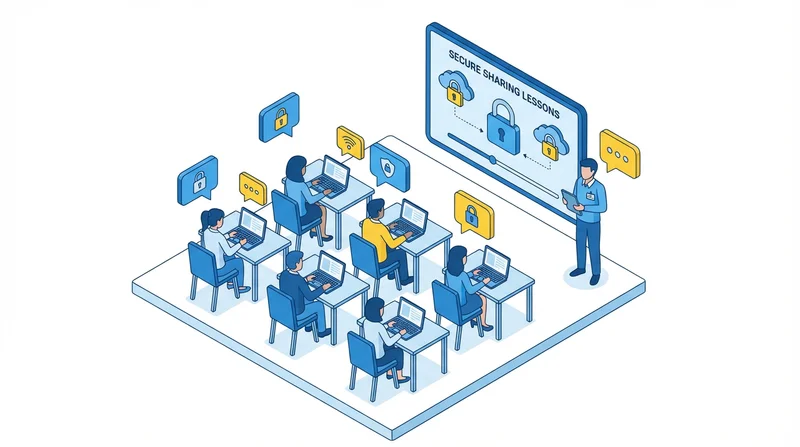
Security Awareness Training
Train employees on:
- Safe file sharing practices
- Recognizing sensitive data
- Using security features correctly
- Reporting potential breaches
Clear Policies
Document and communicate:
- What can be shared externally
- Approved sharing methods
- Required security controls by data type
- Consequences of policy violations
Prevention Strategy 7: Technology Choice
Choose Secure Services
Not all file sharing services are equal. Look for:
- Encryption (in transit and at rest)
- Access controls (passwords, expiration, limits)
- Audit logging
- Compliance certifications (ISO 27001, SOC 2)
- Data residency options
Avoid Consumer Tools for Business
Personal file sharing accounts lack:
- Enterprise security controls
- Centralized management
- Compliance features
- Audit capabilities
Incident Response Plan
Despite best efforts, incidents can occur. Be prepared:
Immediate Actions
- Revoke access to compromised shares
- Change passwords on affected accounts
- Document what was exposed
- Notify relevant stakeholders
Investigation
- Review access logs
- Determine scope of exposure
- Identify root cause
- Document findings
Remediation
- Close vulnerability
- Implement additional controls
- Update policies if needed
- Conduct additional training
File Sharing Security Checklist
| Control | Implementation |
|---|---|
| Password protection | Enable on all sensitive shares |
| Link expiration | Set appropriate timeframes |
| Download limits | Match expected recipients |
| 2FA on accounts | Enable on all accounts |
| Access logging | Enable and review regularly |
| Encryption | Verify in transit and at rest |
| Regular audits | Monthly review of active shares |
| User training | Annual security awareness |
| Clear policies | Documented and communicated |
Conclusion
File sharing data breaches are preventable with proper controls. The key is layered security:
- Access controls limit who can access
- Encryption protects data if accessed
- Monitoring detects unauthorized access
- Training prevents human error
- Technology provides the tools
GetShared provides comprehensive security features including password protection, link expiration, download tracking, and encryption. Start sharing securely today.