WeTransfer pioneered simple file transfer with its elegant interface. But in 2026, is simplicity enough? This comparison examines how GetShared has evolved the file transfer concept with enhanced security, storage, and features.
Service Models Compared
WeTransfer focuses on one-time file transfers – upload, share link, files expire. It's designed for sending, not storing.
GetShared combines transfer functionality with persistent storage, giving you flexibility to send files once or maintain them long-term.
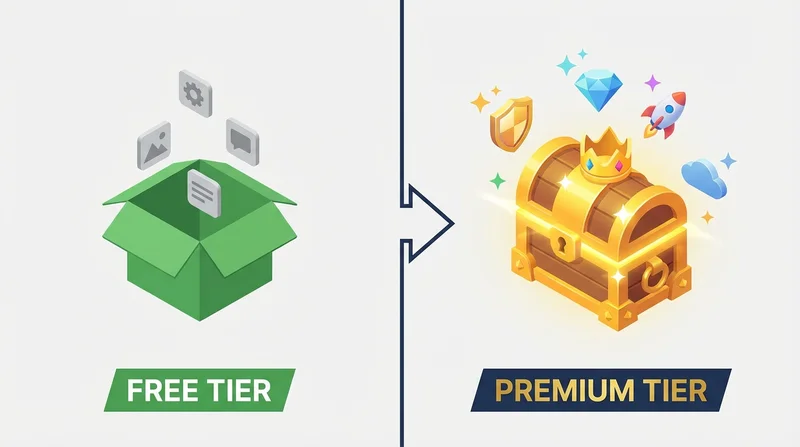
Free Tier Comparison
| Feature | WeTransfer Free | GetShared Free |
|---|---|---|
| Max Transfer Size | 2GB | Unlimited* |
| Storage | None | 20GB |
| Link Expiry | 7 days (fixed) | Customizable |
| Password Protection | No | Yes |
| Download Tracking | Basic | Detailed |
| Account Required | No | Yes |
*Up to your storage limit of 20GB free
For Large File Transfers
WeTransfer's 2GB limit on free transfers is a significant constraint. A single 4K video project, high-resolution photo session, or complex design file easily exceeds this.
GetShared allows sending large files up to your storage limit – 20GB on free accounts, unlimited on paid plans. For professionals regularly transferring large files, this makes a substantial difference.
Security Comparison
Encryption
WeTransfer encrypts files in transit and at rest, but uses server-side encryption. GetShared implements end-to-end encryption – your files are encrypted before upload, and only you (and your recipients) have keys.
Access Controls
WeTransfer Pro offers password protection and expiry customization. GetShared includes these features free:
- password-protected sharing – included free
- link expiration – included free
- Download limits – included free
- download tracking – included free
Beyond Simple Transfers
WeTransfer is excellent for one-off transfers. But modern workflows often require more:
Storage and Organization
GetShared stores your files persistently in organized folders. You can:
- Build a library of shared assets
- Re-share files without re-uploading
- Maintain file versioning history
- Access files across devices
Team Collaboration
GetShared's team collaboration features enable:
- Shared team folders
- Permission management
- Activity tracking
- Centralized billing
Professional Branding
GetShared's custom branding allows you to present files with your logo and colors – important for client-facing deliveries.
Use Case Analysis
Choose WeTransfer If:
- You need quick one-time transfers under 2GB
- You don't want to create an account
- Basic features meet your needs
- You're willing to pay Pro for larger files
Choose GetShared If:
- You transfer files larger than 2GB
- You want persistent storage with your transfers
- Security features (password, encryption) matter
- You need detailed download analytics
- You want team collaboration features
Migration from WeTransfer
Switching is simple:
- sign up for GetShared (free, 30 seconds)
- Upload files to your GetShared account
- Share with enhanced security options
- Files stay accessible until you delete them
Conclusion
WeTransfer carved out a niche with beautiful simplicity. GetShared builds on that foundation with storage, security, and features that meet modern needs – all while keeping the free tier genuinely useful.
Ready to upgrade your file sharing? sign up for GetShared and experience transfers with no size limits, persistent storage, and security features included.