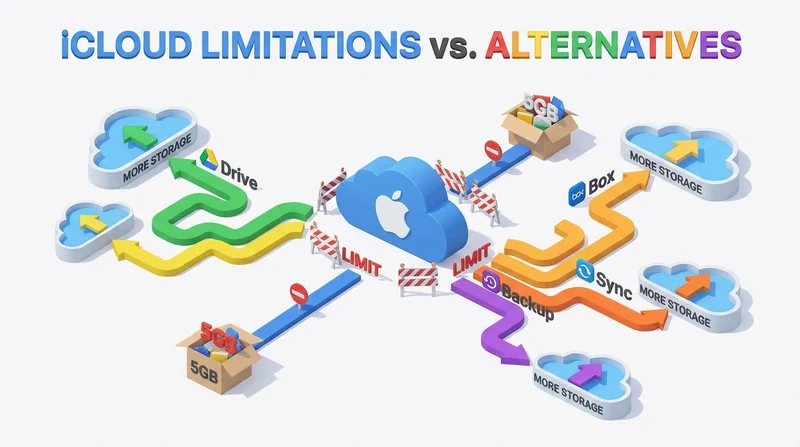
iCloud works well within the Apple ecosystem but has limitations for broader file sharing. Understanding these helps you choose when iCloud works and when alternatives are better.
iCloud Strengths
- Deep Apple device integration
- Automatic sync across Apple devices
- iCloud Drive for file storage
- Family sharing features
iCloud Sharing Limitations
Platform Bias
- Best experience on Apple devices
- Windows app exists but limited
- Android support is minimal
- Web interface less capable
External Sharing Friction
- Recipients may need Apple ID
- Non-Apple users have limited experience
- Collaboration features Apple-focused
Business Features
Storage and Size
- Free tier limited (5GB)
- File size limits on sharing
When iCloud Works Well
- Personal Apple ecosystem use
- Sharing with other Apple users
- Family file sharing
- Photo sharing (iCloud Photos)
When to Use Alternatives
- Sharing with non-Apple users
- Business/professional sharing
- Need branding and tracking
- Large file sharing
- Cross-platform teams
GetShared as Alternative
- Universal – Works on any platform
- No account needed for recipients
- Professional – Branded, trackable
- Large files – Up to 200GB
- Security – Passwords, expiration
Use iCloud for personal Apple sync, GetShared for sharing externally.