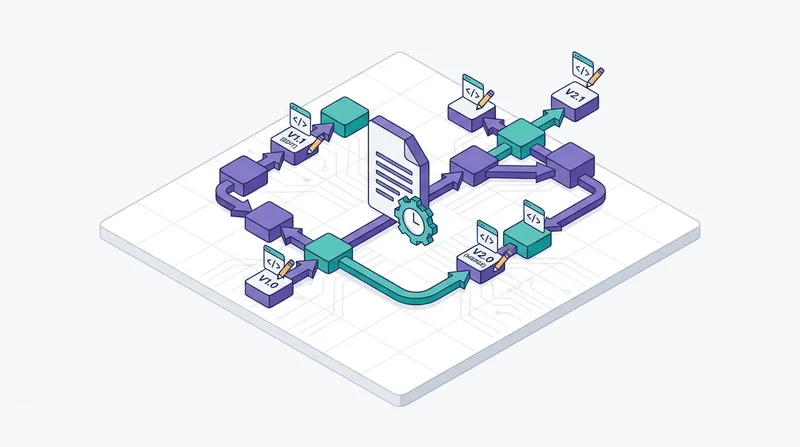
Without version control, shared documents become confusing: "Is this the latest?" "Which changes are in this version?" "Did we lose those edits?" Proper versioning prevents these problems.
Why Version Control Matters
- Know which version is current
- Track changes over time
- Recover previous versions if needed
- Avoid overwriting others' work
- Maintain audit trail
Versioning Methods
File Naming
Include version in filename:
- v1, v2, v3
- v1.0, v1.1, v2.0 (major.minor)
- Date stamps: 2026-02-04
Example: ProjectProposal_v2.1_2026-02-04.pdf
Status Indicators
- _draft
- _review
- _final
- _approved
System Versioning
GetShared maintains version history for uploaded files automatically.
Best Practices
Never Overwrite Without Versioning
Always create new version rather than replacing. Keeps history intact.
Mark Finals Clearly
Use _FINAL or _APPROVED suffix. There should be only one final version.
Archive Old Versions
Move old versions to archive folder. Keeps working folder clean but maintains history.
Document Changes
Keep changelog for significant documents:
- What changed
- Who made changes
- Why changes were made
Team Collaboration
For teams editing same documents:
- Use shared folders with clear ownership
- Communicate before major edits
- Consider real-time collaboration tools for active editing