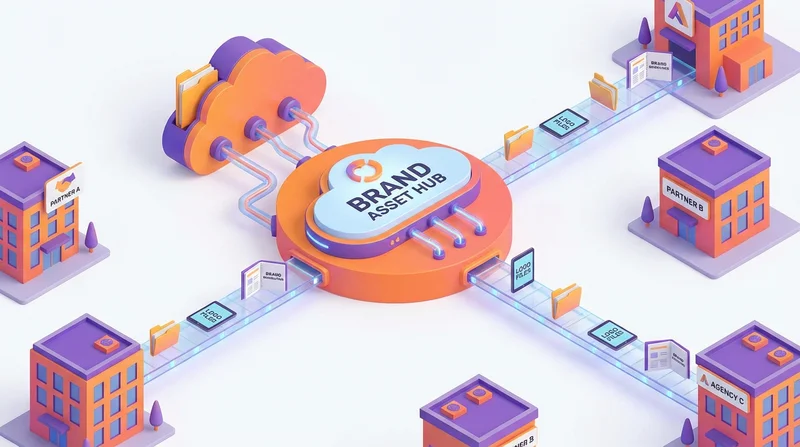
Your brand assets – logos, guidelines, photography, templates – need to reach many external parties: marketing agencies, PR firms, print vendors, event organizers, partners, and more. Sharing these assets efficiently while maintaining brand consistency is a common challenge. This guide covers best practices for brand asset distribution.
Types of Brand Assets to Share
Identity Elements
- Logos (various formats, colors, sizes)
- Brand colors (Pantone, CMYK, RGB, HEX values)
- Typography (font files if licensable)
- Brand marks and icons
Guidelines and Standards
- Brand guidelines document
- Logo usage rules
- Color specifications
- Typography guidelines
- Do's and don'ts
Marketing Materials
- Photography library
- Video assets
- Templates (presentations, documents)
- Social media assets
- Advertising materials
Supporting Assets
- Product images
- Executive headshots
- Office/location photos
- Event materials
Organizing Your Brand Assets
Folder Structure
Brand_Assets/
├── 01_Brand_Guidelines/
│   └── BrandName_Guidelines_2026.pdf
├── 02_Logos/
│   ├── Primary/
│   │   ├── Logo_Full_Color.eps
│   │   ├── Logo_Full_Color.png
│   │   ├── Logo_Full_Color.svg
│   │   └── Logo_Full_Color_CMYK.pdf
│   ├── Reversed/
│   ├── Black/
│   └── Icon_Only/
├── 03_Typography/
│   └── [Font files if shareable]
├── 04_Photography/
│   ├── Product/
│   ├── Lifestyle/
│   └── Team/
├── 05_Templates/
│   ├── Presentations/
│   └── Documents/
└── README.txt
File Naming Convention
Use consistent, descriptive names:
BrandName_Logo_Primary_RGB.svgBrandName_Logo_Primary_CMYK.epsBrandName_Icon_Color_512px.png
Include a README
Help recipients understand what's included:
- Overview of contents
- When to use which files
- Contact for questions
- Link to full brand guidelines
Sharing Methods
Method 1: Branded Share Pages (Recommended)
Use GetShared's custom branding to create professional brand asset distribution:
- Your logo on the download page
- Brand colors in the interface
- Professional presentation
- No account required for recipients
- Track who downloads what
Method 2: Brand Portal/DAM
For large organizations with extensive assets, dedicated Digital Asset Management (DAM) systems offer:
- Advanced search and tagging
- Automatic format conversion
- Usage tracking and rights management
- Integration with design tools
However, DAM systems are expensive and may be overkill for most organizations.
Method 3: Shared Cloud Folders
Simple but less professional. Issues include:
- Recipients may need accounts
- No brand presentation
- Limited tracking
Access Control Strategies
Tiered Access
Not everyone needs all assets:
- Basic – Logo files and brand overview (for most partners)
- Standard – Full logo package and guidelines (for agencies)
- Full – Complete asset library (for primary agencies)
Time-Limited Access
For project-based sharing:
- Grant access for project duration
- Use link expiration to automatically revoke
- Renew as needed for ongoing relationships
Common Scenarios
Scenario: New Agency Onboarding
- Create agency-specific share folder
- Include brand guidelines (required reading)
- Add logo package
- Add relevant photography and templates
- Send password-protected link
- Track when they access materials
- Follow up to ensure they've reviewed guidelines
Scenario: PR Request for Logo
- Provide link to logo package (not full asset library)
- Include brief usage guidelines
- Set 30-day expiration
- Track download
Scenario: Event Sponsor Assets
- Create sponsor-specific package
- Include only approved assets for that use
- Add specific usage guidelines for the event
- Set expiration after event date
Ensuring Brand Consistency
Include Guidelines with Every Share
Don't share logos without context. Always include at least a summary of usage guidelines.
Provide the Right Formats
Include appropriate formats for different uses:
- Print – EPS, PDF, CMYK colors
- Digital – SVG, PNG with transparency, RGB colors
- Office – PNG for documents and presentations
- Social – Properly sized PNGs
Prevent Off-Brand Usage
Include clear do's and don'ts:
- Minimum size requirements
- Clear space rules
- Color usage restrictions
- What not to do (stretch, recolor, etc.)
Tracking and Accountability
Know Who Has Your Assets
Maintain records of:
- Who received brand assets
- What they received
- When access was granted
- Purpose of use
Download Tracking
GetShared's analytics show you when and what was downloaded, helping you understand asset usage patterns.
Revoke When Necessary
When relationships end:
- Disable share links
- Request deletion of local copies
- Update your records
Legal Considerations
Usage Rights
Be clear about what recipients can and cannot do:
- Approved uses only
- No modification without approval
- No redistribution
- Attribution requirements
Font Licensing
Be careful with typography:
- Don't share fonts you don't have redistribution rights for
- Point recipients to purchase fonts themselves
- Or use freely licensable alternatives for partner materials
For Marketing Teams
With GetShared team features:
- Central brand asset repository
- Team members can share from common library
- Consistent sharing across the organization
- Admin oversight of external sharing
Conclusion
Effective brand asset sharing requires:
- Organization – Clear folder structure and naming
- Context – Guidelines with every share
- Control – Appropriate access levels and expiration
- Tracking – Know who has what
- Presentation – Professional delivery reflects on your brand
GetShared's branded share pages help you distribute brand assets professionally. Try it free for your next brand asset distribution.