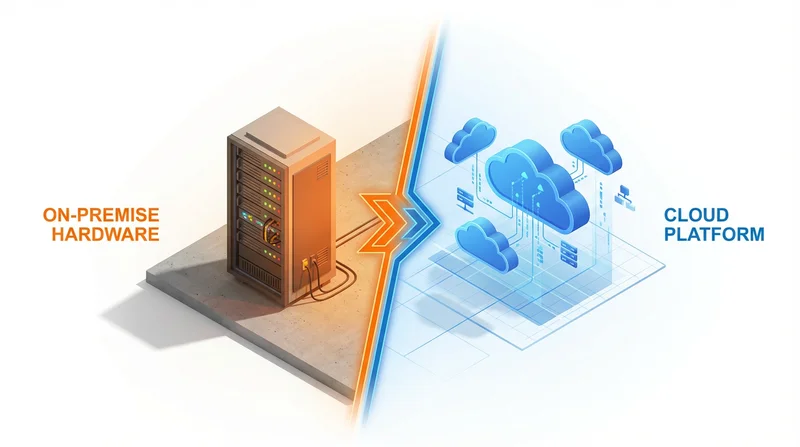
Organizations choosing file sharing solutions face a fundamental decision: use a cloud service managed by someone else, or self-host your own solution? Both approaches have valid use cases. This guide helps you understand the trade-offs and make the right choice.
Understanding the Options
Cloud File Sharing
Third-party services like GetShared, Dropbox, or Google Drive manage everything. You use their infrastructure, software, and pay subscription fees.
Self-Hosted File Sharing
You run file sharing software on your own servers. Popular options include Nextcloud, ownCloud, Seafile, or custom solutions.
Comparison Overview
| Factor | Cloud | Self-Hosted |
|---|---|---|
| Control | Limited | Complete |
| Maintenance | None | Significant |
| Initial Cost | Low | High |
| Ongoing Cost | Subscription | Infrastructure + personnel |
| Security Responsibility | Provider | You |
| Data Location | Provider's choice (usually) | Your choice |
| Uptime | High (SLA) | Depends on you |
| Scalability | Easy | Requires planning |
| Features | Fixed by provider | Customizable |
Detailed Comparison
Control and Customization
Self-Hosted Wins:
- Complete control over data
- Customizable to your needs
- No dependency on third party
- Can modify source code (open source)
Cloud Reality:
- Features are what provider offers
- Subject to provider's terms and changes
- Less control over data handling
Maintenance and Operations
Cloud Wins:
- Zero maintenance required
- Automatic updates and security patches
- No hardware to manage
- Professional 24/7 operations
Self-Hosted Reality:
- You handle security updates
- Hardware maintenance and replacement
- Backup responsibility
- 24/7 monitoring requirements
- Staff expertise needed
Security
Self-Hosted Pros:
- Data never leaves your control
- No third-party access
- Can implement custom security measures
- Meet specific compliance requirements
Self-Hosted Cons:
- Security is your responsibility
- Requires security expertise
- Small teams often lack resources for proper security
Cloud Pros:
- Professional security teams
- Regular audits and certifications
- 24/7 security monitoring
- Automatic security updates
GetShared provides enterprise-grade security with encryption, 2FA, and compliance features – security most organizations couldn't match self-hosting.
Cost
Cloud Costs:
- Predictable monthly/yearly fees
- Scales with usage
- No upfront investment
- No hidden IT costs
Self-Hosted Costs:
- Servers (purchase or rent)
- Storage hardware
- Network infrastructure
- Electricity and cooling
- IT staff time (often underestimated)
- Backup infrastructure
- Security tools and monitoring
Self-hosting often seems cheaper until you account for personnel costs. The IT time for maintaining self-hosted solutions typically exceeds cloud subscription costs for small-medium organizations.
Reliability
Cloud:
- Redundant infrastructure
- Multiple data centers
- 99.9%+ uptime SLAs
- Professional disaster recovery
Self-Hosted:
- Depends on your infrastructure
- Redundancy costs extra
- You handle disasters
- Can be single point of failure
Matching cloud reliability self-hosted requires significant investment in redundancy.
When to Choose Self-Hosted
- Strict data residency requirements – Data must stay on your premises
- Air-gapped environments – No internet connectivity allowed
- Specific compliance needs – Regulations require self-hosting
- Large existing IT infrastructure – Already have team and resources
- Extensive customization needs – Cloud options don't fit your workflow
- Cost at scale – Very large deployments where cloud costs are prohibitive
When to Choose Cloud
- Most organizations – Cloud is the pragmatic choice
- No dedicated IT team – Can't maintain self-hosted properly
- Need reliability – Can't match cloud uptime internally
- Sharing with external parties – Cloud makes external sharing seamless
- Variable needs – Scale up/down easily
- Quick deployment – Start immediately vs. weeks of setup
Hybrid Approaches
Some organizations use both:
- Self-hosted for internal – Sensitive internal files on own servers
- Cloud for external – Client sharing via GetShared or similar
This leverages self-hosted control where it matters while using cloud convenience for external sharing.
Self-Hosted Options
Nextcloud
Most popular open-source option. Feature-rich but requires maintenance.
ownCloud
Enterprise-focused fork of Nextcloud. Commercial support available.
Seafile
Lighter weight, faster syncing. Less features than Nextcloud.
Cloud Options
Many options depending on needs:
- GetShared – File sharing focus, great for external sharing
- Dropbox/Google Drive – Sync-focused with sharing features
- Box – Enterprise content management
See our comparisons: Dropbox vs GetShared, Google Drive vs GetShared, Box vs GetShared
Making the Decision
Ask yourself:
- Do you have IT resources? – Self-hosting requires ongoing expertise
- What's your security requirement? – Do you need data on-premises?
- What's your budget? – Include personnel costs for self-hosting
- Who are you sharing with? – External sharing is easier with cloud
- What's your risk tolerance? – Can you handle self-hosted security?
Conclusion
For most organizations, cloud file sharing is the right choice:
- Lower total cost (especially for small-medium organizations)
- Better reliability and security than most can achieve self-hosting
- No maintenance burden
- Seamless external sharing
Self-hosting makes sense for specific scenarios: strict data requirements, large existing IT infrastructure, or organizations with unique needs cloud services can't meet.
GetShared offers enterprise security, EU data residency, and features that cover most organization's needs. Try it free before committing to the complexity of self-hosting.