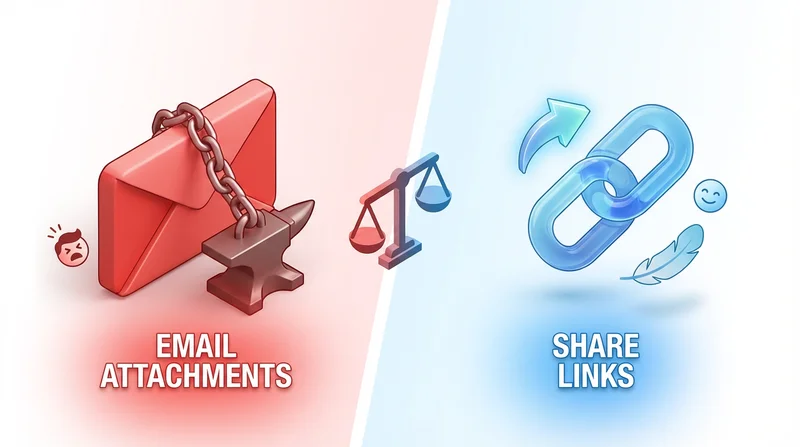
Email attachments and file sharing links both get files to recipients, but they work differently and have different strengths. Understanding when to use each improves your file delivery.
Email Attachments
Advantages
- Simple – everyone knows how
- Files travel with the message
- Works offline once received
- No additional service needed
Limitations
- Size limits – Most email limits 10-25MB
- Security – Files can be forwarded freely
- No tracking – Cannot see if downloaded
- Version issues – No updating after sent
- Mailbox bloat – Large attachments fill inboxes
File Sharing Links
Advantages
- No size limits – Share files of any size
- Security – Password protection, expiration
- Tracking – Know when downloaded
- Updatable – Can update file, same link
- Professional – Branded pages
Considerations
- Requires internet to download
- Recipients need to click link
- One more step than attachment
When to Use Each
Use Email Attachments For
- Small files under 5MB
- Simple, quick sharing
- Files that should stay with the email
- Internal, low-security needs
Use File Sharing Links For
- Large files (over 10MB)
- Confidential documents
- Client deliverables
- When tracking is needed
- Multiple recipients
- Professional presentation
Best Practice
Default to file sharing links for business use. They are more professional, secure, and capable. Reserve attachments for small, simple, internal files.
Try GetShared for professional file delivery.