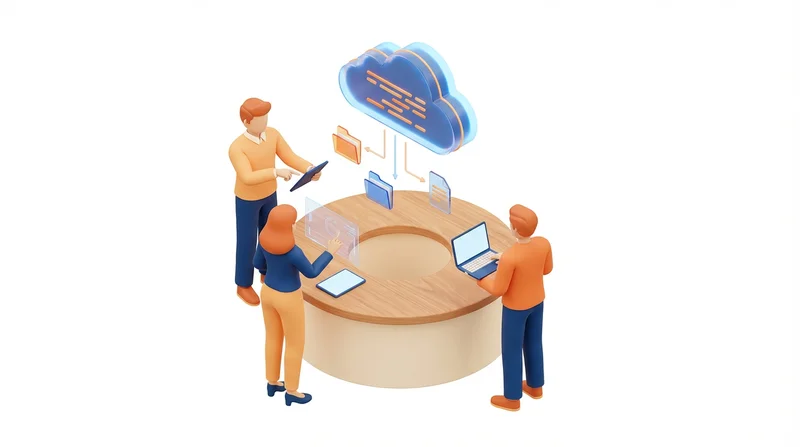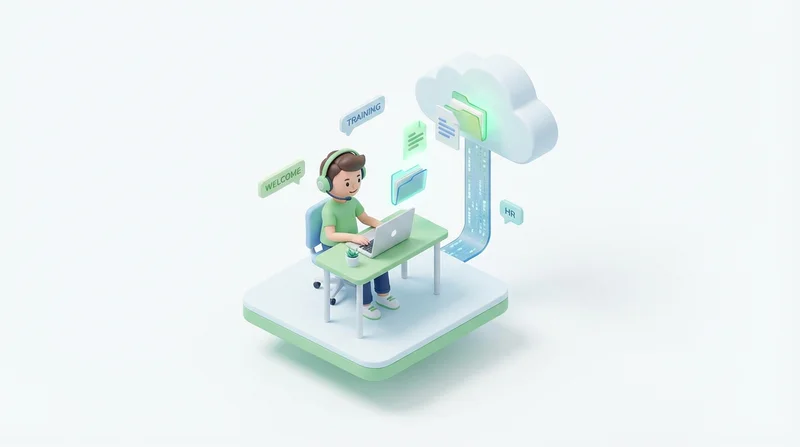
Remote onboarding requires getting new employees up to speed without in-person handoffs. Effective file sharing ensures new hires have access to everything they need from day one.
Onboarding File Sharing Challenges
- New employees do not know where to find things
- Critical documents scattered across systems
- Access permissions not set up in time
- No one to ask questions in person
Essential Onboarding Documents
HR and Administrative
- Employee handbook
- Benefits information
- Tax forms
- Company policies
Role-Specific
- Job description and expectations
- Training materials
- Process documentation
- Tool guides
Team Resources
- Team org chart
- Contact information
- Meeting schedules
- Project documentation
Setting Up for New Hires
Before Start Date
- Create their account
- Set up appropriate permissions
- Share relevant folders
- Prepare welcome package
Welcome Package
Create an onboarding folder with:
Onboarding/
├── Welcome/
│   ├── WelcomeLetter.pdf
│   └── FirstDayGuide.pdf
├── Company/
│   ├── Handbook.pdf
│   └── OrgChart.pdf
├── Role/
│   ├── JobDescription.pdf
│   └── TrainingMaterials/
└── Tools/
    └── SetupGuides/
Day One
- Send link to onboarding folder
- Walk through organization (video call)
- Verify they can access everything
- Answer questions
Best Practices
- Organize clearly – Intuitive folder structure
- Keep updated – Review materials regularly
- Grant access promptly – Ready before they start
- Provide contact – Who to ask for help
GetShared for Onboarding
- Shared folders for team resources
- Permission controls
- Easy access from any device
- Secure document handling
See also: remote team security.