The format you choose affects whether recipients can open your files, how they display, and file size. Choosing the right format for each situation ensures smooth sharing.
Document Formats
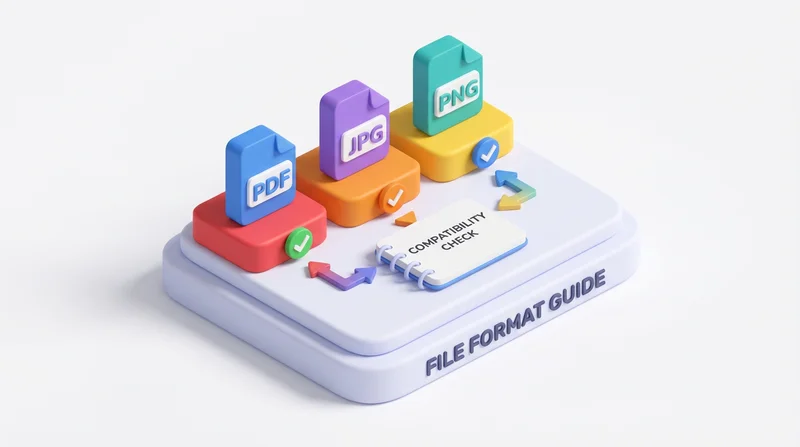
PDF – Universal Document Format
- Pros: Opens anywhere, preserves formatting, professional
- Cons: Harder to edit
- Use for: Final documents, contracts, reports, anything recipients should not edit
Office Formats (DOCX, XLSX, PPTX)
- Pros: Editable, feature-rich
- Cons: Requires compatible software, formatting may shift
- Use for: Collaborative editing, templates, working documents
Image Formats
JPEG
- Pros: Small size, universal
- Cons: Lossy compression, no transparency
- Use for: Photos, web images
PNG
- Pros: Lossless, supports transparency
- Cons: Larger than JPEG for photos
- Use for: Graphics, screenshots, logos
TIFF
- Pros: High quality, print-ready
- Cons: Very large files
- Use for: Print production, archival
Video Formats
MP4 (H.264)
- Pros: Universal playback, good compression
- Use for: Most video sharing
MOV/ProRes
- Pros: High quality
- Cons: Very large files
- Use for: Professional video editing
Best Practices
For Maximum Compatibility
- Documents: PDF
- Images: JPEG or PNG
- Video: MP4
Include Multiple Formats
For important shares, include both:
- Native format for editing
- Universal format for viewing
Consider Recipient
- What software do they have?
- Do they need to edit?
- What device are they using?
See also: compression guide.