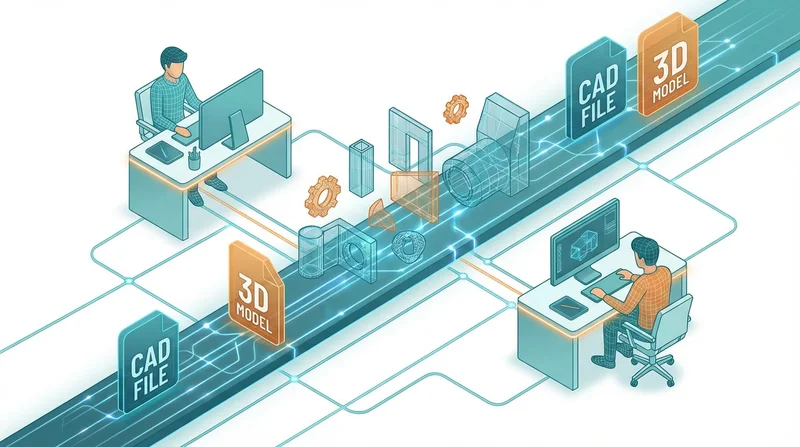
Automation eliminates repetitive file sharing tasks. From scheduled reports to triggered deliveries, automated workflows save time and reduce errors.
What Can Be Automated
Scheduled Distribution
- Daily/weekly/monthly reports
- Regular data exports
- Recurring deliverables
Triggered Sharing
- Share when files are added to folder
- Deliver when project status changes
- Notify when downloads occur
Bulk Operations
- Upload multiple files at once
- Create shares for many files
- Update permissions in bulk
Automation Methods
API Integration
GetShared API enables custom automation:
- Upload files programmatically
- Create share links automatically
- Manage permissions via code
Integration Platforms
No-code automation with Zapier, Make, etc.:
- Connect to other business tools
- Trigger actions based on events
- No coding required
Scripts
Custom scripts for technical users:
- Python, PowerShell, Bash
- Full control over logic
- Schedule with cron/Task Scheduler
Example Workflows
Automated Report Distribution
- Reporting tool generates PDF
- File saved to watched folder
- Script uploads to GetShared
- Creates password-protected link
- Emails link to stakeholders
Client Delivery Trigger
- Project marked complete in PM tool
- Triggers upload of deliverables folder
- Creates branded share link
- Notifies client automatically
Backup Automation
- Scheduled daily at midnight
- Uploads specified folders
- Maintains version history
- Alerts if upload fails
Best Practices
- Start simple, add complexity gradually
- Test thoroughly before production
- Monitor for failures
- Document your automations
- Have manual fallback procedures
See also: API integration guide.